Python Data Classes: A Friendly, Practical Guide for Modern Developers
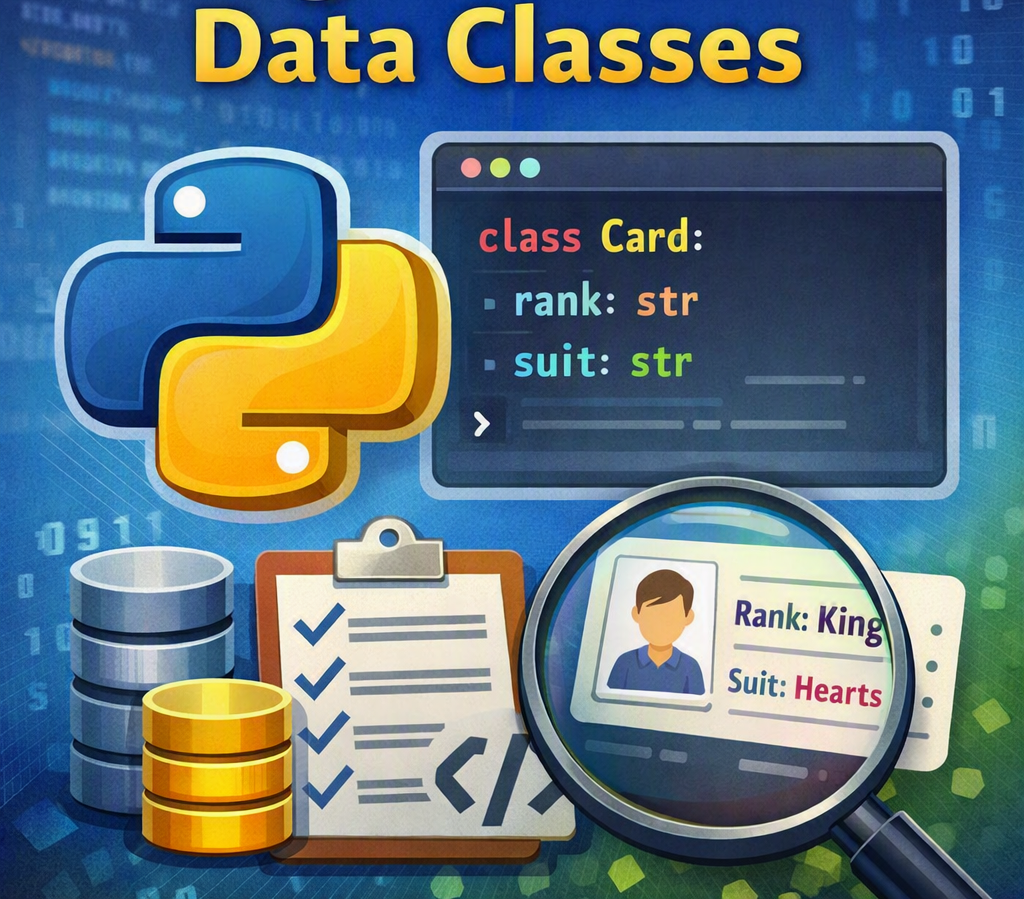
Python 3.7 introduced a feature that quietly changed the game: data classes.
Data classes give you the power of clean, expressive classes without the repetitive code. They’re perfect for developers who want structure without sacrificing readability — and they fit beautifully into modern Python workflows.
Let’s walk through them in a simple, human way.
What Exactly Is a Data Class?
A data class is just a regular Python class with a little magic sprinkled on top.
When you decorate a class with @dataclass, Python automatically generates:
an
__init__methoda readable
__repr__an
__eq__method for comparisons
Here’s the simplest example:
python
from dataclasses import dataclass

@dataclass
class Card:
    rank: str
    suit: str
That’s it.
You now have a fully functional class that prints nicely and compares meaningfully.
Why Not Just Use a Normal Class?
Sure, you could write this manually:
python
class Card:
    def __init__(self, rank, suit):
        self.rank = rank
        self.suit = suit
But then you’d also need:
a custom
__repr__a comparison method
maybe ordering
maybe immutability
maybe default values
Data classes give you all of this with almost no effort.
Data Classes vs Named Tuples vs Dicts
Before data classes existed, developers often used:
tuples (but you must remember the order)
dicts (but keys can be inconsistent)
namedtuple (clean, but limited and always immutable)
Data classes sit in the sweet spot:
readable
flexible
type‑hint friendly
mutable (unless you choose otherwise)
part of the standard library
They’re essentially the “modern Python way” to model structured data.
Adding Default Values
You can give fields default values just like normal classes:
python
@dataclass
class Position:
    name: str
    lon: float = 0.0
    lat: float = 0.0
Now you can create objects with partial arguments:
python
Position("Null Island")
Position("Greenwich", lat=51.8)
When You Need More Control: field()
Sometimes you need more advanced behavior — like generating a default list or hiding a field from the class representation.
That’s where field() comes in:
python
from dataclasses import dataclass, field

@dataclass
class Deck:
    cards: list = field(default_factory=list)
default_factory is essential when your default value is mutable, like a list or dict.
Adding Methods (Yes, It’s Still a Normal Class)
Data classes don’t restrict you.
You can add methods exactly as you would in any other class.
python
@dataclass
class Position:
    name: str
    lon: float
    lat: float

    def distance_to(self, other):
        # calculate distance using haversine formula
        pass
This is why data classes feel natural — they’re just cleaner versions of the classes you already write.
Ordering and Comparisons
Want your objects to be sortable?
python
@dataclass(order=True)
class Card:
    rank: str
    suit: str
Python will compare them based on the order of fields.
If you need custom sorting logic, you can compute a hidden “sort index” inside __post_init__.
Immutability (Frozen Data Classes)
If you want objects that behave like named tuples — meaning they cannot be changed — you can freeze them:
python
@dataclass(frozen=True)
class Position:
    name: str
    lon: float
    lat: float
This is great for:
configuration objects
constants
safe data structures
Just remember: if your fields contain mutable types (like lists), those can still change unless you replace them with immutable equivalents (like tuples).
Inheritance Works Too
Data classes support inheritance, but there’s one rule:
Fields without defaults must come before fields with defaults — even across parent classes.
If your base class has default values, your subclass must also give defaults to any new fields.
Performance Boost: Using Slots
If you’re building large systems or memory‑sensitive applications, you can combine data classes with __slots__:
python
@dataclass
class Point:
    __slots__ = ("x", "y")
    x: float
    y: float
Slots reduce memory usage and speed up attribute access.
When Should You Use Data Classes?
Use them when you need:
clean, structured data
readable code
automatic comparisons
optional immutability
type hints
minimal boilerplate
Avoid them when:
you need tuple‑like behavior
you’re working with APIs expecting dicts or tuples
you need advanced validation (use
pydanticorattrsinstead)
Final Thoughts
Data classes are one of those Python features that quietly make your codebase better.
They reduce noise, encourage good structure, and make your objects more predictable — all without forcing you to learn a new framework or dependency.
If you haven’t adopted them yet, now is the perfect time.
Your future self (and your teammates) will thank you.
Share this article
Loading comments...